
On this page
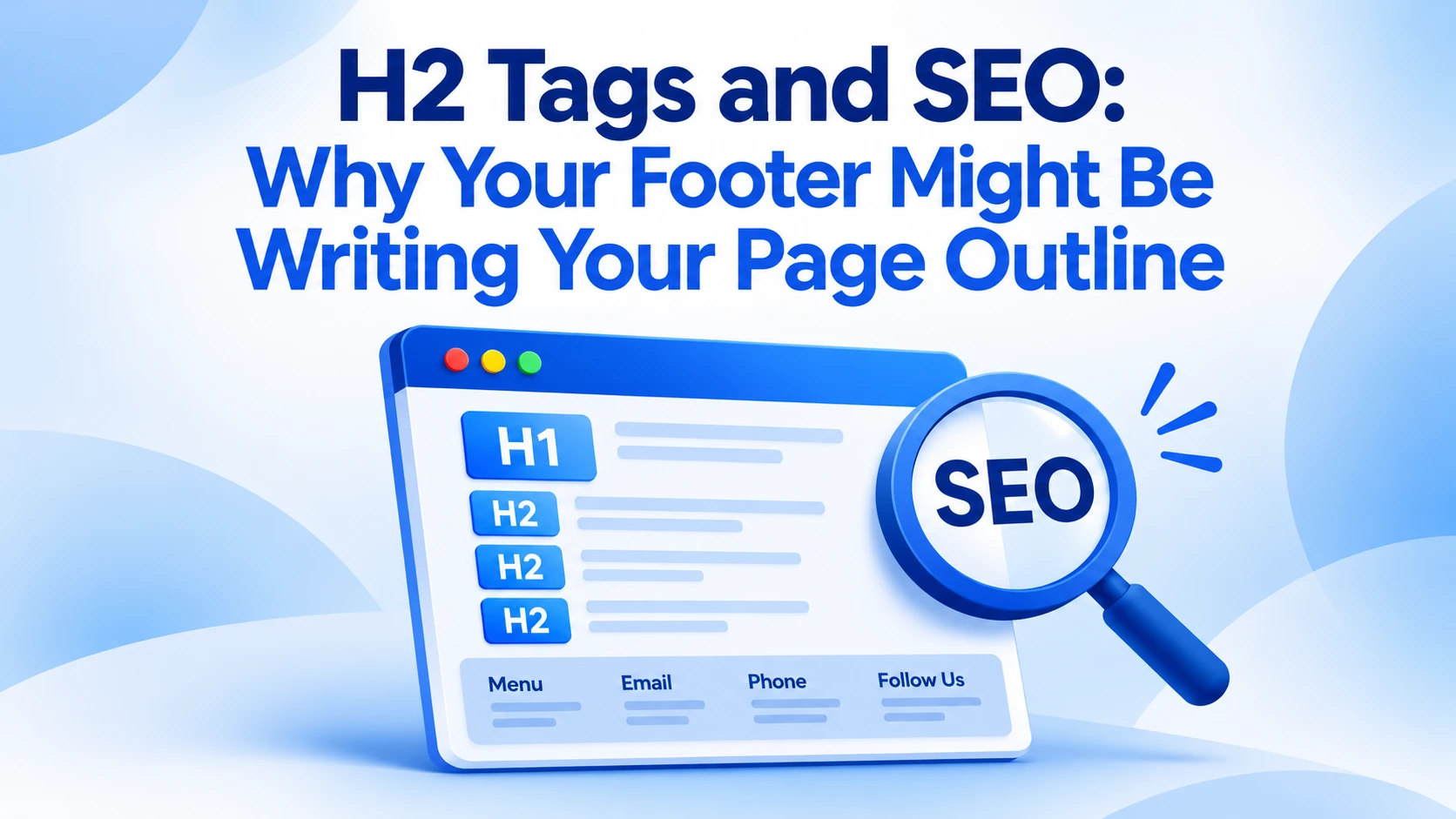
Last week we shared an awkward find from our own homepage audit: six of our eleven H2 tags were footer labels.
The same audit had a second surprise. Our homepage had no structured data at all. No Organization schema, no logo, no linked social profiles. Search engines had to work out who we were on their own.
For a team that sells SEO, that felt careless, exposed and a little ironic. It is also very common, and one of the fastest fixes in technical SEO.
What Organization schema is
Schema is a shared vocabulary for describing things to search engines. JSON-LD is the format Google recommends for adding it: a small block of code in the page that never shows to visitors.
Organization schema describes your business itself: its name, website, logo, social profiles and how to contact it. It helps Google connect your site, your brand name and your profiles into one entity, and it can inform how your logo and details appear in search.
The code
Here is a starter block, with placeholder values to swap for your own:
{
  "@context": "https://schema.org",
  "@type": "Organization",
  "name": "Example Studio",
  "url": "https://www.example.com/",
  "logo": "https://www.example.com/logo.png",
  "description": "Shopify and WordPress development for ecommerce and service brands.",
  "sameAs": [
    "https://www.linkedin.com/company/example-studio/",
    "https://x.com/examplestudio"
  ],
  "contactPoint": {
    "@type": "ContactPoint",
    "contactType": "sales",
    "url": "https://www.example.com/contact/"
  }
}
Wrap it in a <script type="application/ld+json"> tag and place it on your homepage.
What each field does
- name: your business name, written exactly as everywhere else. Pick one spelling and keep it.
- url: your homepage, using the same version (www or not) as your canonical URL.
- logo: a square-ish image at a stable URL. This is the one Google may show.
- description: one plain sentence about what you do and who for.
- sameAs: your official profiles. This is how search engines link your LinkedIn, X and other accounts to your site.
- contactPoint: how customers reach you. A contact page URL is enough; add phone or email only if they are public.
A local business with a public address can use LocalBusiness or a more specific type instead, and add the address and opening hours. A service business with no public office can stay with Organization or ProfessionalService.
How to add it on Shopify
Check first. Many themes, including Dawn, already output basic Organization schema on the homepage, often with only the name and URL filled. Search the theme code for "@type": "Organization".
If it exists, extend that block with your logo, description and sameAs links instead of adding a second one. If it doesn't, add the block to the homepage in theme.liquid, wrapped in {% if request.page_type == 'index' %}.
How to add it on WordPress
If you use Yoast or Rank Math, the plugin already builds Organization schema from its settings. Fill in the site representation settings properly: organization name, logo and every social profile. Most sites leave these half empty.
Without an SEO plugin, add the block through a child theme's wp_head hook or a code snippets plugin, on the front page only.
Test it
- Google's Rich Results Test shows whether Google can read the block and flags errors.
- The Schema Markup Validator at validator.schema.org checks it against the full vocabulary.
- View the page source to make sure there is only one Organization block.
Mistakes we see most
- Two Organization blocks from a theme and a plugin, with different names or logos
- Details that don't match the page, such as a phone number shown nowhere on the site
- Self-written review stars added to your own Organization. Google doesn't show these for self-serving reviews
- Set and forget. A rebrand or new logo URL leaves old data behind
Schema and AI search
AI assistants also need to work out who a business is. Consistent schema, matching your name, profiles and the facts on your pages, gives them one clear version to work from. It pairs well with a plain reference page for AI search.
The bottom line
Your business already has a name, a logo and a set of profiles. Schema just says so in a language search engines read first.
Google shouldn't have to guess who you are. Tell it.
Bit Aura adds and fixes structured data on Shopify and WordPress sites. Ask us to check yours.
Frequently asked questions
Does schema improve rankings directly?
No. It helps search engines understand your business and can affect how you appear. That is the point.
Should every page have Organization schema?
Put the full block on the homepage. Other pages can reference it, but one complete version is what matters.
How long does it take?
About fifteen minutes to write and test, once you have your logo URL and profile links.
Related services
Want us to check your schema?
Tell us what you are planning and we will point you to the right next step. No pressure.