
On this page
Ask ChatGPT, Perplexity or Google's AI Overview about a small business and you often get one of three answers. A vague one. A wrong one. Or a competitor.
That is not because the AI dislikes you. It is because your website makes it hard to pull a clean, confident answer out of it. Services are spread across six pages, the location is in a footer image, and the phrase that best describes what you do appears nowhere in plain text.
We recently built a page for a professional services firm whose whole job was to fix that: a single, plain, well-structured reference page written for machines and humans at the same time. This post explains what goes on that page and how to add it to WordPress or Shopify without breaking your design.
Why AI assistants get small businesses wrong
AI search tools work in two broad ways. Some answer from what they learned in training. Others search the web live and summarise the pages they find. Either way, they are looking for text that answers a question directly.
Typical business sites are built for browsing, not answering:
- Key facts are scattered. Services on one page, service area on another, pricing nowhere.
- Important text lives in images or sliders that a crawler reads poorly or skips.
- Marketing language replaces plain description. "We craft bespoke solutions" tells an AI nothing about what you sell.
- No single page states who you are, what you do and who you do it for in three sentences.
When an assistant cannot find a confident answer, it fills the gap with a guess or with someone else's clearer page.
What an LLM reference page is
Think of it as a fact sheet for your business. One URL, mostly text, with clear headings and short answers. It is not a sales page, and it does not replace your homepage. It is the page you would hand to a journalist who needs the facts right.
For the firm we worked with, the page covered their practice areas, who they serve, where they work and the questions clients ask most. It was delivered as a self-contained HTML block that dropped straight into a WordPress Custom HTML widget, with its own scoped CSS so it matched the site without touching the theme.
What to put on the page
Keep each section short. Plain sentences beat clever ones.
- One-paragraph summary. Business name, what you do, who for, where. Example shape: "[Name] is a [type of business] that helps [customer] with [problem] in [area]."
- Services list. One line each, using the words customers search with, not internal jargon.
- Who you serve. Industries, company sizes, or customer types. Also who you do not serve.
- Location and service area. In text, not only on a map.
- How work happens. Process, typical timelines, how to start.
- Frequently asked questions. Five to ten real questions with direct two-to-three sentence answers. These map almost one to one onto how people phrase AI prompts.
- Proof you can stand behind. Years in business, credentials, notable work, with links to the detailed pages.
- Contact details. Written out, matching your Google Business Profile exactly.
Add FAQPage or Organization schema to match what is visible. Do not put anything in schema that is not on the page.
How to add it on WordPress
The cleanest route is a normal page using your theme's template with a Custom HTML block (or widget) holding the content. Two tips from the build:
- Scope your CSS. Give the wrapper a unique class and write every rule as a descendant of it, for example .ref-page h2. That stops your styles leaking into the theme and the theme's styles overriding yours.
- Use real HTML headings (h2, h3) and lists, not styled divs. Structure is what makes the page easy to extract from.
How to add it on Shopify
Create a page under Online Store → Pages, or a dedicated page template if you want different layout. Paste the content in the HTML view of the editor, or build it from sections in the theme editor. The same rules apply: real headings, scoped styles, text not images. Link to it from the footer so it is crawled.
What about llms.txt?
llms.txt is a proposed text file at the root of a site that points AI tools to your key pages. It is cheap to add and does no harm, but support across AI tools is still inconsistent, so treat it as a bonus, not the plan. The reference page helps every crawler and every human visitor whether or not they read llms.txt. Do both if you can, page first.
How to tell if it is working
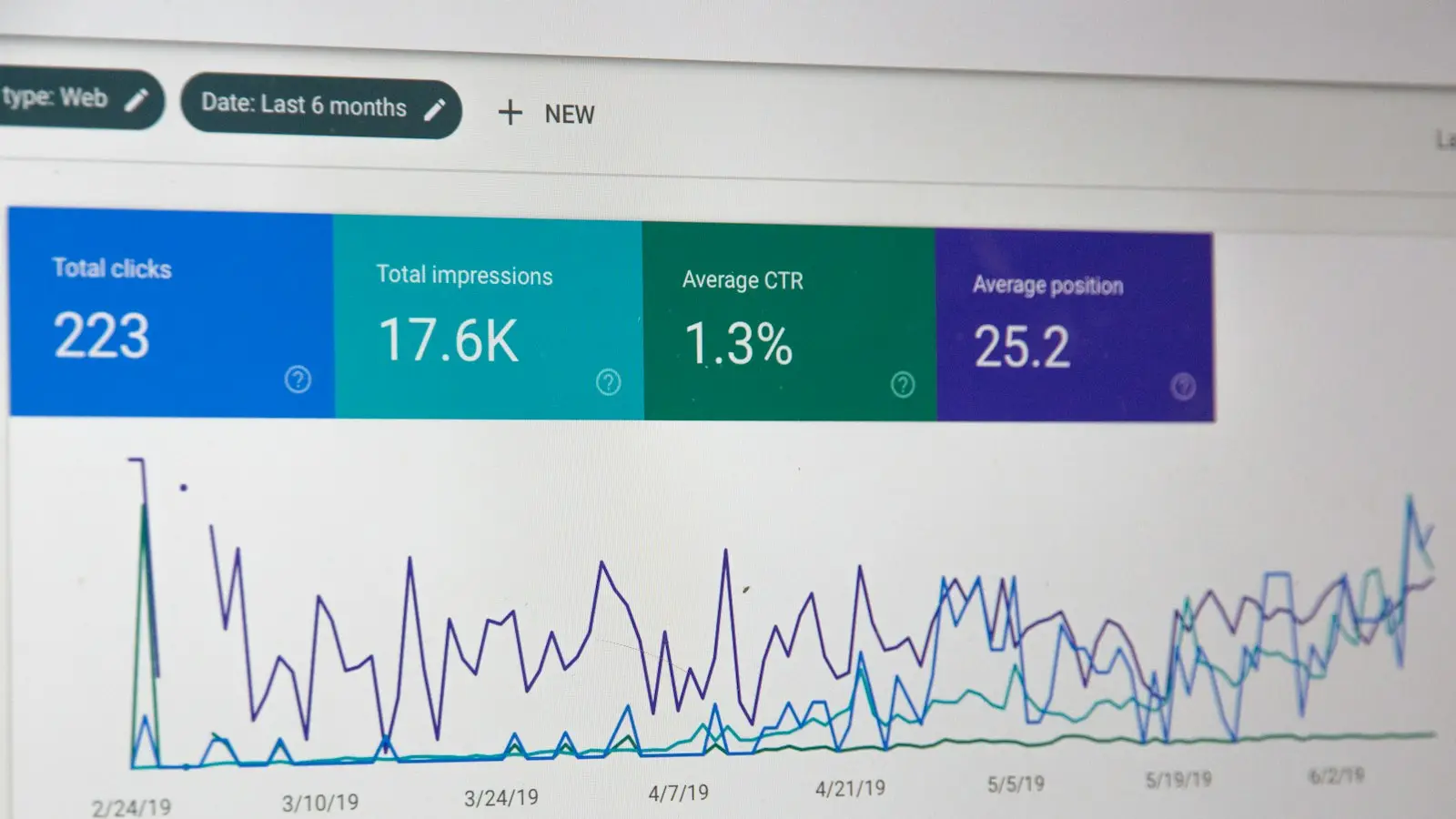
Search Console and Bing Webmaster Tools now show some AI data, but neither covers ChatGPT or Perplexity, so measure the rest by hand:
- Write down five questions a customer might ask an AI about your type of business in your area.
- Ask them in ChatGPT, Perplexity and Google once a month and note whether you appear and whether the description is accurate.
- Watch your analytics for referral traffic from AI tools, which most now pass as a referrer.
It will not change overnight. Live-search assistants can pick up a new page within days or weeks; models answering from training data take longer.
The short version
AI assistants repeat what they can find and understand. Give them one page where the facts about your business are plain, structured and consistent, and you remove most of the guessing.
It takes an afternoon to write and an hour to publish. Few of your competitors have done it yet.
Bit Aura builds these pages on WordPress and Shopify as part of our SEO and AI search work. Ask us to review yours.
Frequently asked questions
What is an LLM reference page?
A fact sheet for your business. One URL, mostly text, with clear headings and short answers. It is not a sales page, and it does not replace your homepage.
Should I add llms.txt as well?
It is cheap to add and does no harm, but support across AI tools is still inconsistent, so treat it as a bonus, not the plan. Do both if you can, page first.
How do I check whether the page is working?
Write down five questions a customer might ask an AI about your type of business in your area. Ask them in ChatGPT, Perplexity and Google once a month and note whether you appear and whether the description is accurate.
How long does a new page take to show up in AI answers?
Live-search assistants can pick up a new page within days or weeks. Models answering from training data take longer.
Related services
Want us to review your reference page?
Tell us what you are planning and we will point you to the right next step. No pressure.