
On this page
In short, UI design is how a website looks, and UX design is how it works for the person using it. UI covers the visual layer: layout, colours, type, buttons and images. UX covers the whole experience: whether visitors can find what they need, understand what to do and complete it without frustration. A great website needs both, and each is weaker without the other.
What is UI design?
UI stands for user interface. It is everything people see and interact with on screen: the layout of a page, the colours and fonts, the shape of a button, the style of an icon, the way a menu opens. Good UI makes a site look clear, consistent and on brand, and makes it easy to tell what can be clicked.
What is UX design?
UX stands for user experience. It is the bigger picture of how a visit feels from start to finish. It asks questions such as: who is using this site, what are they trying to do, and what gets in their way? UX work includes understanding visitors, planning how pages connect, deciding what appears first and removing steps that cause confusion.
What is the difference in practice?
Imagine a contact form.
- UX decisions: how many fields to ask for, what order they come in, what happens after sending, how errors are explained.
- UI decisions: how the fields look, the colour of the button, the spacing, the type size, how it appears on a phone.
A beautiful form that asks for too much will still lose people. A simple form that looks messy can feel untrustworthy. You need both to get a message sent.
How do UI and UX work together?
UX gives a site its structure and logic. UI gives that structure a look people trust. If the experience is poorly planned, even attractive visuals cannot save it. If the experience is sound but the visuals are weak, people may leave before they see how good it is.
What does the design process usually look like?
- Research: understand your business, your visitors and what they need.
- Structure: plan the pages and how people move between them.
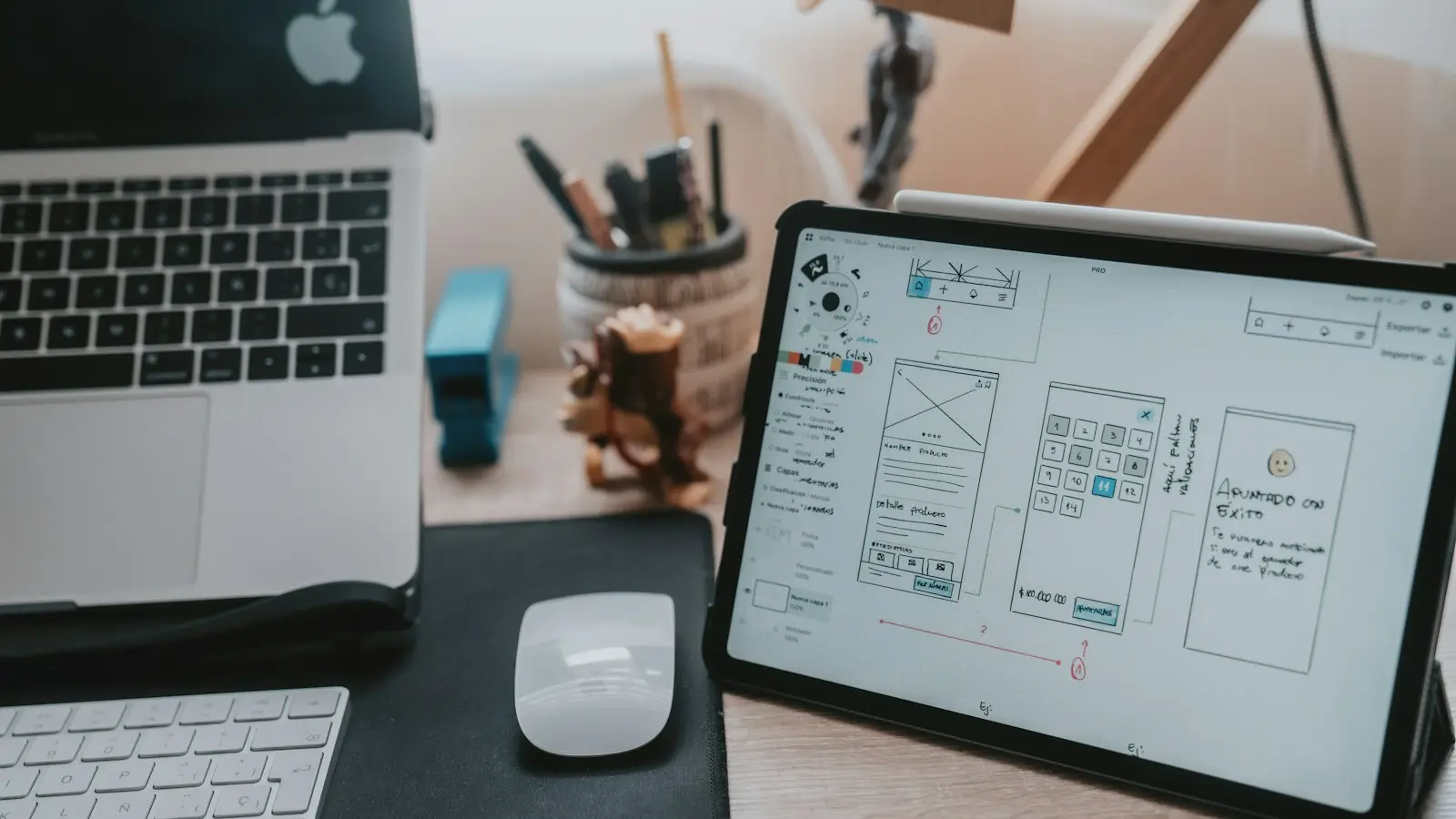
- Wireframes: simple layouts that show where things go, before any styling.
- Visual design: colours, type, imagery and components applied to the layout.
- Prototype and testing: a clickable version to check that it makes sense.
- Handoff: clean files and notes so developers can build it accurately.
Why does it matter for your business?
A site that is easy to use keeps people longer and makes it easier for them to act, whether that is booking, buying or getting in touch. It also builds trust, because a clear, consistent design signals care. Poor UX and UI quietly cost you enquiries you never see.
Signs your site needs better UX or UI
- Visitors cannot find key information quickly.
- Menus or pages feel confusing.
- The design looks dated or inconsistent.
- Buttons and links are easy to miss.
- The mobile version feels cramped or awkward.
If several apply, it may be time to look at your design properly, or even consider a website redesign.
How we can help
We plan the experience first and then design the look, so the finished site is both clear and polished. You can read more about our UI/UX design and Figma design work, or explore our full web design service.
Frequently asked questions
What is the main difference between UI and UX?
UI, or user interface, is the visual layer: layout, colours, type, buttons and icons. UX, or user experience, is how the whole journey feels and works, including how easily people find what they need and complete what they came to do.
Do I need both a UI and a UX designer?
The two skills overlap, and many designers do both. What matters is that your project covers both: research and structure for the experience, then visual design for the interface.
Which comes first, UX or UI?
UX usually comes first, because the structure and flow of the site should be settled before it is made to look polished. UI then gives that structure its look and feel.
Related services
Need help with web design?
Tell us what you are planning and we will point you to the right next step. No pressure.