
On this page
GA4 can tell you how many people visited your contact page. Out of the box, it usually can't tell you how many of them actually sent you a message.
For a service business, that's the only number that matters. A site that counts visitors but not enquiries leaves you guessing, overspending and blind to what works.
When we review a prospect's website, analytics is one of the first things we check. A missing GA4 tag, or a tag that counts page views but no leads, comes up often. Last week we covered ecommerce tracking. This week is for every site whose "sale" is a form.
Why GA4's built-in form tracking isn't enough
GA4's enhanced measurement has a "form interactions" option. It sounds like the answer, but it has two problems:
- It often misses forms that submit without reloading the page, which is how most modern form plugins work.
- It can fire when someone clicks submit, even if the form fails validation and nothing is sent.
You want one clean event that fires only when a form is successfully sent.
The plan
- Fire an event called generate_lead when a form submits successfully.
- Add a parameter with the form's name, so you can tell a quote request from a newsletter signup.
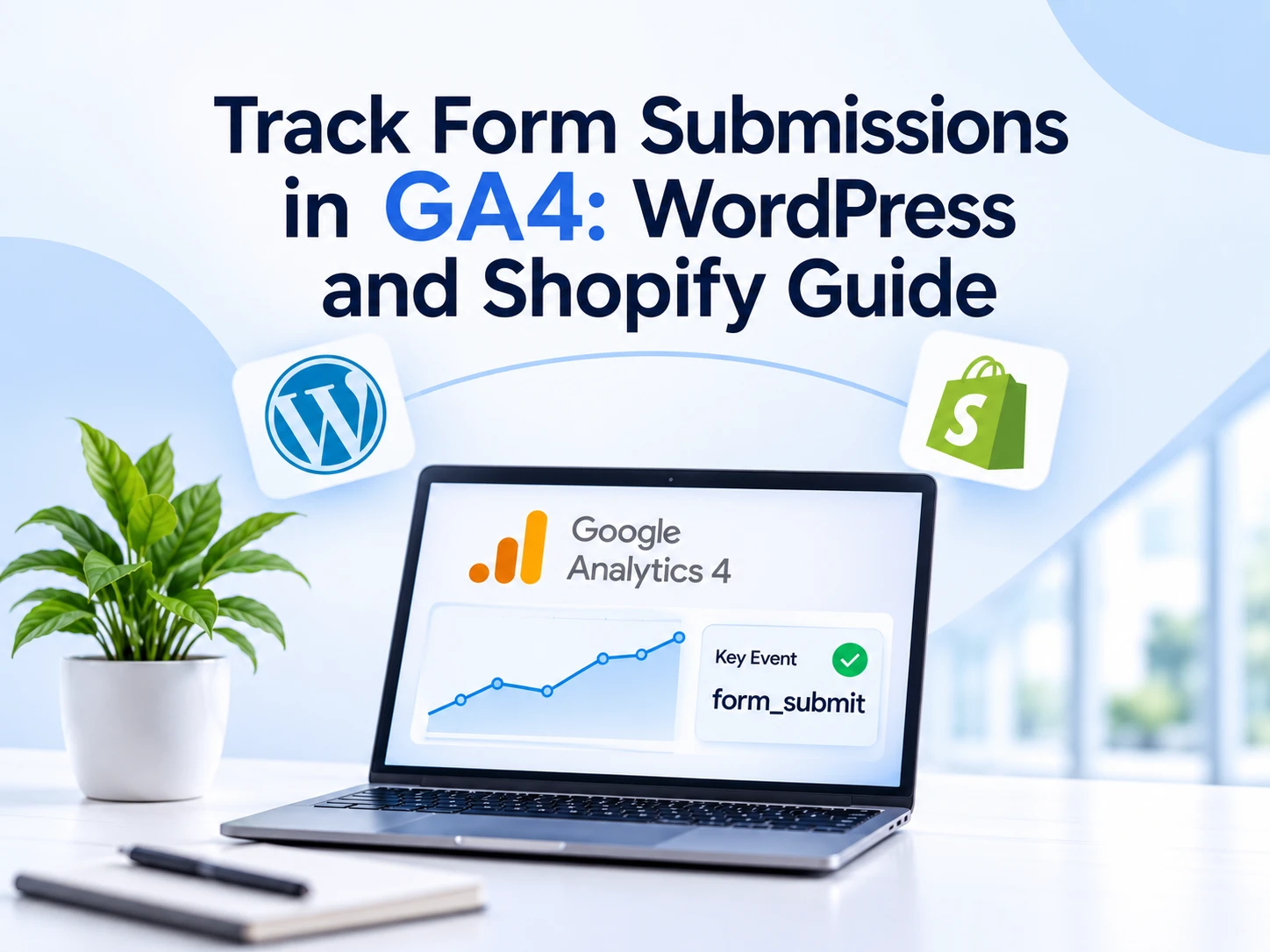
- Mark generate_lead as a key event in GA4.
- Test it before trusting it.
generate_lead is one of Google's recommended event names, so reports and Google Ads recognise it.
WordPress: the easiest route
If your form plugin can redirect to a thank-you page after a successful submission, use it. Then in Google Tag Manager, fire a GA4 generate_lead event on page views of that URL, such as /thank-you/.
It's simple, reliable and works with almost any plugin. Add noindex to the thank-you page so it doesn't appear in search.
WordPress: forms without a redirect
Most form plugins send a JavaScript event when a submission succeeds. Listen for that event and push it to the data layer. For Contact Form 7, the event is wpcf7mailsent:
document.addEventListener('wpcf7mailsent', function (e) {
  window.dataLayer = window.dataLayer || [];
  window.dataLayer.push({
    event: 'generate_lead',
    form_name: 'contact-form-' + e.detail.contactFormId
  });
});
Add it through a Tag Manager Custom HTML tag or your theme's footer. Then create a Custom Event trigger in Tag Manager for generate_lead and a GA4 event tag that sends it.
WPForms, Gravity Forms and others have their own success events or confirmation hooks. Check the plugin's documentation, or use the thank-you page route.
Shopify: the contact form
Shopify's built-in contact form reloads the page after a successful submission and adds contact_posted=true to the URL. That gives you two options:
- In Tag Manager: fire generate_lead on page views where the URL contains contact_posted=true.
- In the theme: inside the contact form, Shopify's Liquid exposes form.posted_successfully?. Push the event to the data layer only when it's true.
{% if form.posted_successfully? %}
  <script>
    window.dataLayer = window.dataLayer || [];
    window.dataLayer.push({ event: 'generate_lead', form_name: 'contact' });
  </script>
{% endif %}
Newsletter signups work the same way, with customer_posted=true in the URL.
Mark it as a key event
In GA4, go to Admin → Events. Once generate_lead has fired at least once, mark it as a key event. Key events are what GA4 used to call conversions. If you run Google Ads, import it there as a conversion too.
Test before you trust it
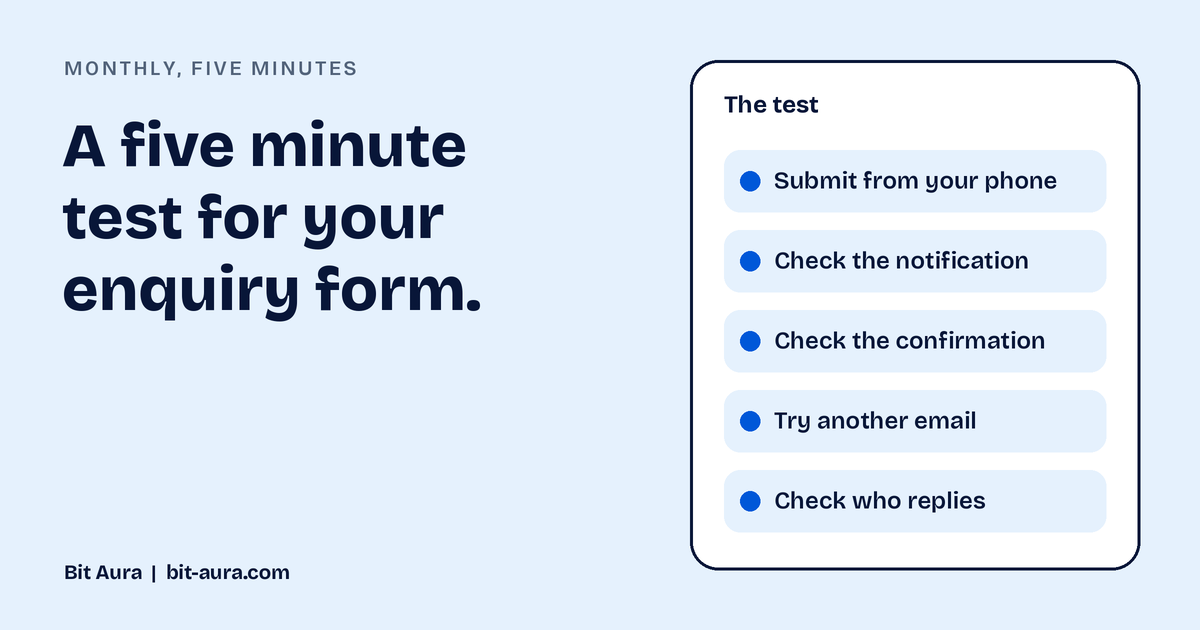
- Open Tag Manager's Preview mode and submit a real form
- Check the generate_lead event fires once, and only after success
- Submit an empty form and confirm nothing fires
- Watch the event arrive in GA4's DebugView
- Give standard reports up to a day to show it
Two rules worth keeping
Never send personal data to GA4. No names, emails or phone numbers in event parameters. Google's policies forbid it, and you don't need it. The form name is enough.
Track every form separately. A quote request, a newsletter signup and a careers form are not the same kind of lead. The form_name parameter keeps them apart.
Why it matters
Once leads are tracked, you can finally see which pages, campaigns and calls to action actually bring enquiries, not just traffic. You stop guessing which ads work. You stop redesigning pages that were already doing their job.
The bottom line
Setting this up takes about an hour. Not having it costs you every decision you make without it.
Traffic is a vanity number. Enquiries pay the bills.
Bit Aura sets up GA4, Tag Manager and lead tracking on WordPress and Shopify. Ask us to check your forms.
Related services
Want us to check your forms?
Tell us what you are planning and we will point you to the right next step. No pressure.