
On this page
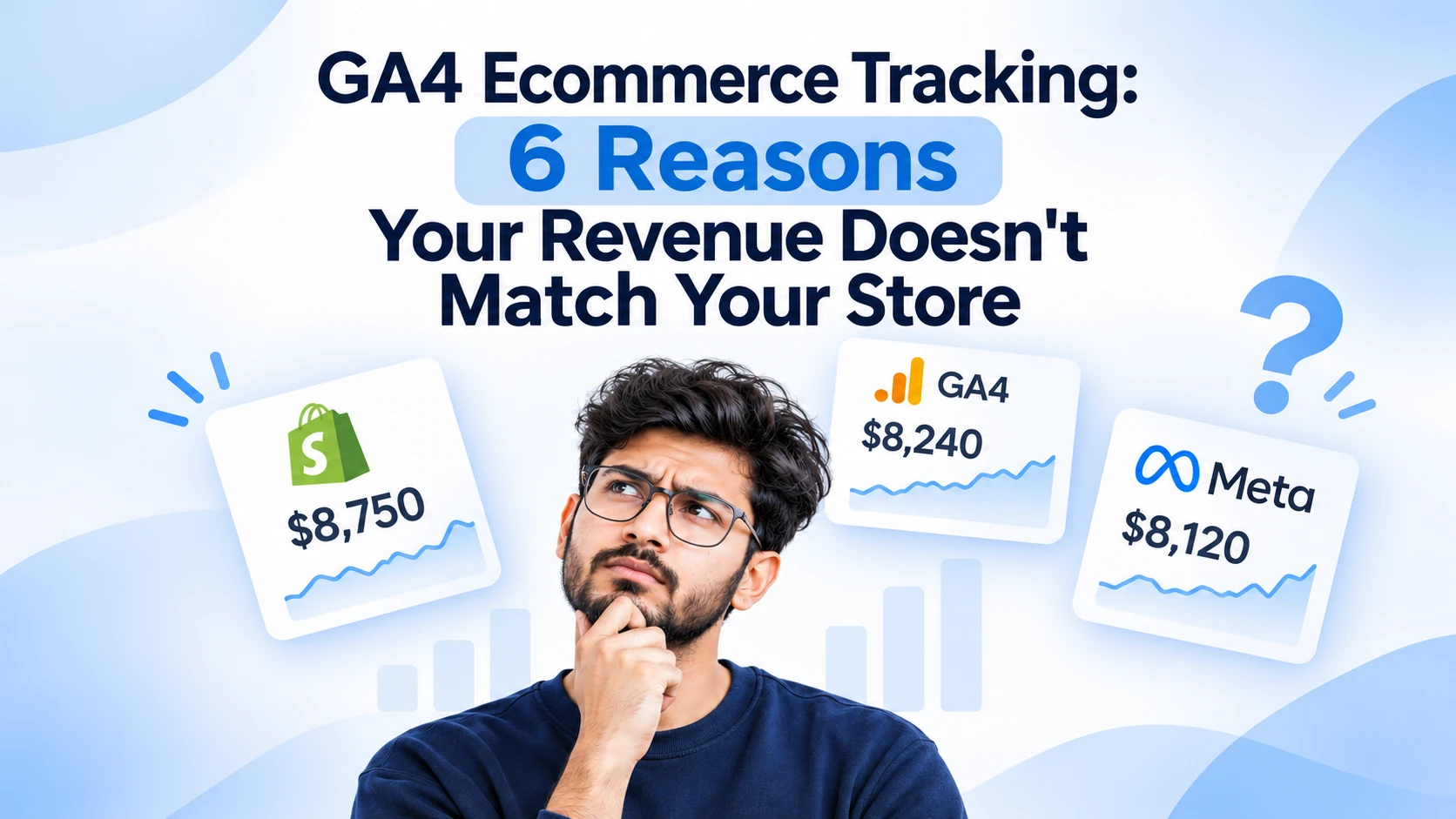
Your store dashboard shows one revenue figure. GA4 shows another. Your ad platform shows a third.
Every decision you make from those numbers rests on them: which ads to fund, which products to push, which pages to fix. When the data is messy, misleading and quietly wrong, every one of those decisions gets harder.
A small gap between GA4 and your store is normal. Ad blockers, consent choices and browser privacy features all hide some visits. A big or growing gap is a bug.
Here are the six causes we check first, on Shopify and WooCommerce.
1. The purchase event fires more than once
This is the most common cause of inflated revenue. Over time a store collects several tracking setups:
- The platform's own Google integration
- A Google Tag Manager container
- Old code left in the theme or a plugin
- A tracking app installed "just to try it"
Each one sends its own purchase event, and GA4 counts the revenue two or three times.
Fix: pick one source for ecommerce events and remove the rest. Always send the order number as transaction_id so duplicates are easy to spot in reports. Watch GA4's DebugView while you place a test order and count the purchase events.
2. Shopify checkout events are missing
Shopify has moved checkout tracking to Customer Events, which run tracking code as web pixels in a sandbox. Older methods, such as scripts pasted into the order status page settings, no longer run on upgraded checkouts.
If purchases or checkout steps disappeared after a checkout upgrade, this is the likely reason.
Fix: use Shopify's Google & YouTube app for standard GA4 events, or a custom pixel in Settings → Customer events for anything custom. Then test the full checkout, not just the product pages.
3. WooCommerce purchases are missed or doubled
WooCommerce usually fires the purchase on the thank-you page, and two things go wrong there.
- Reloads and revisits. If the shopper refreshes or returns to the thank-you page, the purchase can fire again.
- Off-site payments. Some gateways send the shopper to another site to pay. If they close the tab before coming back, the thank-you page never loads and the sale is never tracked.
Fix: mark each order once its purchase has been tracked and skip it afterwards. For gateways that redirect off-site, send the purchase from the server when the order is paid, using GA4's Measurement Protocol, instead of relying on the browser.
4. Values and currencies don't line up
GA4 revenue only matches your store if you send the same definition of value every time. Decide and write down:
- Does revenue include tax?
- Does it include shipping?
- Is it before or after discounts?
- Is it in the shopper's currency, with the right currency code?
Stores selling in several currencies get this wrong most often. If you are setting up Shopify Markets, check the currency code on every purchase event.
5. Consent Mode isn't set up
Where privacy law requires it, a cookie banner should hold back analytics until the visitor agrees. That is correct, and it means fewer events by design.
Google's Consent Mode v2 lets your tags respect the visitor's choice while still sending limited, cookieless signals, which Google uses to model some of the missing data. Without it the gap is bigger than it needs to be, and in regions with strict consent rules some Google Ads features can be limited.
Fix: use a consent banner that supports Consent Mode v2, then check in Tag Assistant that the consent state updates when a visitor accepts.
6. Meta Pixel and Conversions API both count the sale
Running the Meta Pixel in the browser and the Conversions API from the server is good practice. But if both send a purchase without a shared ID, Meta can count it twice.
Fix: send the same event_id from browser and server for each event so Meta can deduplicate them, then check the deduplication status in Events Manager.
A one-hour tracking health check
- Place a test order and watch it arrive in GA4 DebugView
- Count the purchase events: there should be exactly one
- Refresh the thank-you page and confirm no second purchase fires
- Check revenue, tax, shipping and currency on that one event
- Accept and decline the cookie banner and test both paths
- Check Meta Events Manager for deduplicated purchases
- Compare a week of GA4 purchases with store orders
The bottom line
Tracking is not a set-and-forget job. Every new app, plugin, theme update or checkout change can quietly break it.
If your numbers lie, every decision built on them lies too.
Bit Aura sets up and audits GA4, Google Tag Manager and Meta tracking on Shopify and WooCommerce. Ask us to check your numbers.
Related services
Want us to check your numbers?
Tell us what you are planning and we will point you to the right next step. No pressure.