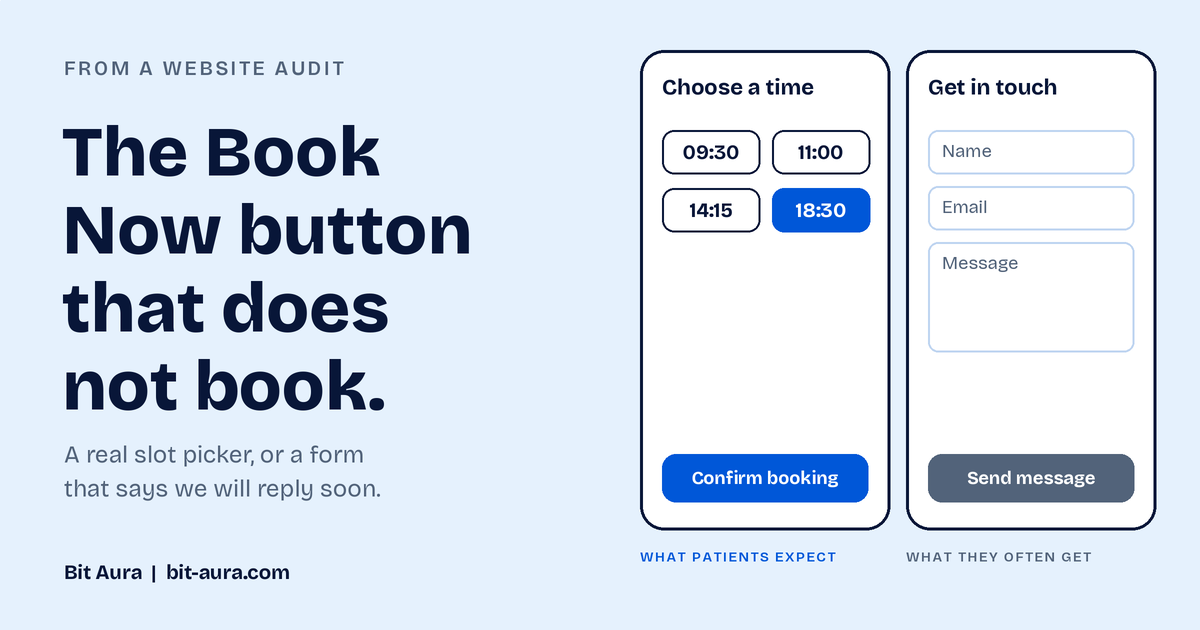

Forms break quietly. A plugin update, a changed email address or a spam filter set too tight can stop enquiries arriving. Nothing tells you.
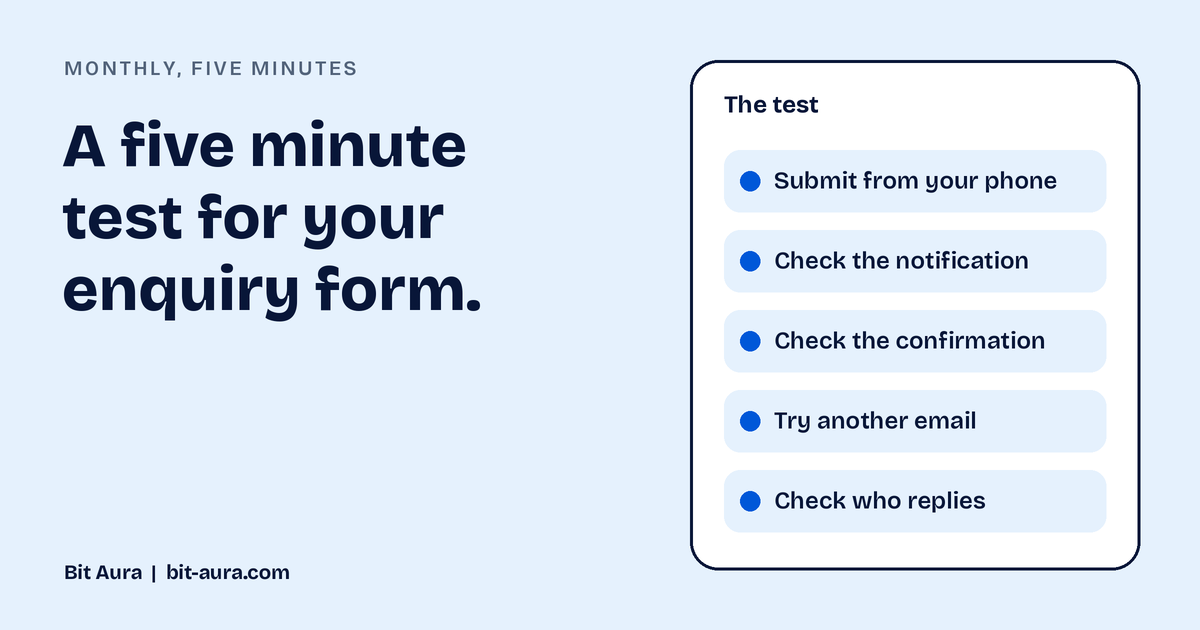
Here is a test you can run in five minutes.
The test
- Submit a real enquiry from your phone, on mobile data. Not on office wifi, and not on a desktop.
- Check that the notification arrives. Check the spam folder as well.
- Look at what the patient sees afterwards. Is there a clear confirmation message?
- Try again with a different email provider. Ask a friend to submit one using an email address from a different provider.
- Check who receives it, and how quickly someone replies. A working form is only useful if someone answers.
Make it a habit
Do it on the first Monday of every month. It takes five minutes and it is the cheapest insurance a website has. Also run it after any website update, plugin update or change of email provider.
Why forms fail
- A plugin or theme update changes how the form works
- The notification address is out of date
- Spam filters block genuine enquiries
- The form works on desktop but not on mobile
- The confirmation page is missing or confusing
Also worth checking
- Does the form ask for more than it needs? Fewer fields usually get more completions.
- Is there a short privacy notice that explains what you do with the details? Make sure your form and privacy notice meet UK GDPR requirements, and check this with your own advisor.
- Is there a phone number for anyone who prefers to call?
Frequently asked questions
How often should I test my website form?
Monthly, and after any update to the website, plugins or email setup.
What should happen after a patient submits the form?
They should see a clear confirmation on screen, ideally receive an email confirmation, and be told roughly when to expect a reply.
Can you run the test for me?
Yes. Send your website address through the contact page and we will run it for free.
Related services
Want us to run the test for you?
Tell us what you are planning and we will point you to the right next step. No pressure.