
It is the new patient page.
Many private dental practice sites do not have one. A person searching "register as a private patient" or "first dental appointment" lands on a homepage and has to guess what to do next.
What a good new patient page answers
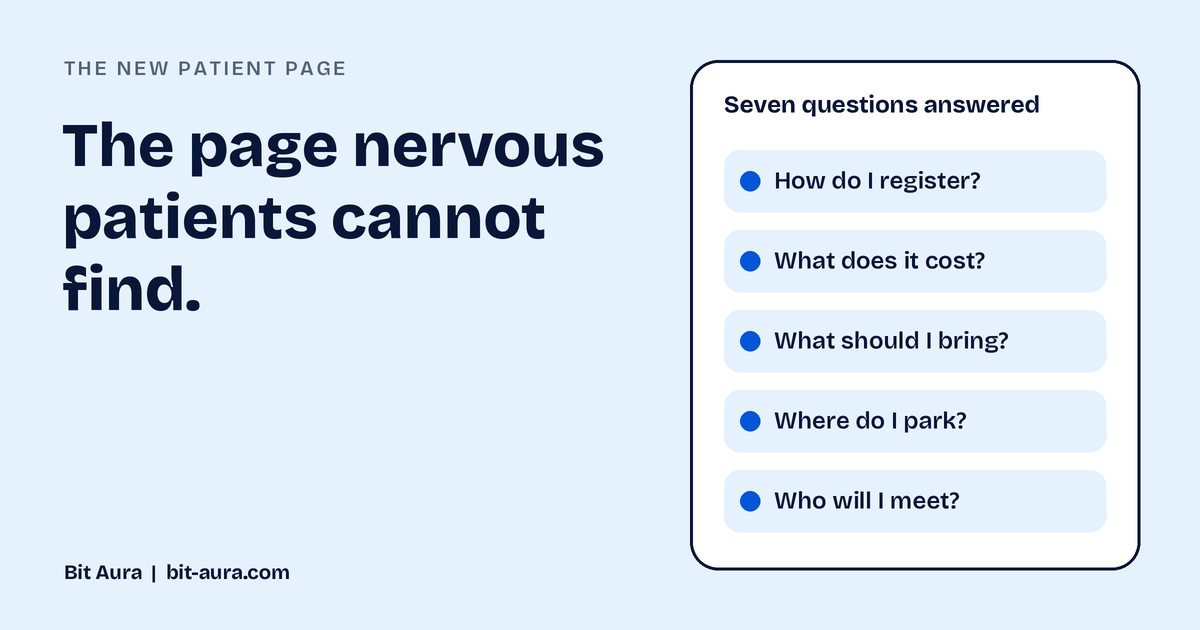
Write it in plain language and answer the questions every first timer has before they need to ask:
- How do I register? Say exactly what to do, and how long it takes.
- How long is the first appointment? Give a realistic range.
- What does it cost? Give a clear starting price or range for a first visit.
- What should I bring? For example, ID, medical history and any recent x-rays.
- Which treatments are private and which are NHS? Explain this simply, if you offer both.
- Where do I park? Include travel and parking details.
- Who will I meet? Names, photos and a short introduction help nervous patients feel at ease.
Tone matters
Many people arrive anxious. Warm, straightforward language works better than clinical language. Avoid jargon and avoid long paragraphs.
Layout tips
- Put a Register or Request an appointment button near the top and again at the end
- Use short sections or expandable questions so the page is easy to scan on a phone
- Add a tap to call number
- Link to the treatment pages and the contact page
Frequently asked questions
What should a new patient page include?
How to register, what the first appointment involves, the cost, what to bring, how private and NHS care work, how to find you, and who patients will meet.
Is a new patient page important for search?
It matches the searches people make when choosing a practice, such as registering as a private patient. A dedicated page gives search engines and patients a clear answer.
Can Bit Aura write the outline for me?
Yes. Get in touch through the contact page and we will send a one page outline.
Related services
Want an outline for your new patient page?
Tell us what you are planning and we will point you to the right next step. No pressure.