
On this page
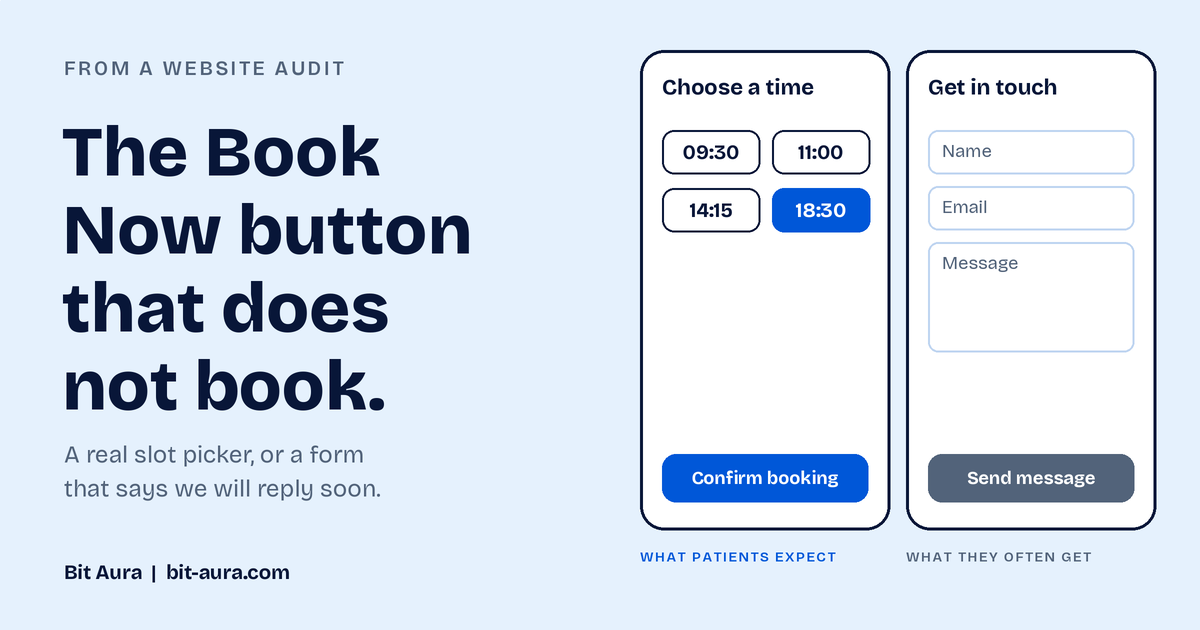
On many private dental practice websites, the Book Now button is not a booking system. It opens a contact form. There is no availability, no list of times and no confirmation.
For a patient who wants Thursday evening, that is a dead end. They cannot finish what they started. If the need is urgent, this is often the moment they go back to Google and try the next practice.
Why this goes unnoticed
The practice never sees the person who leaves. The enquiries that do arrive look perfectly normal, so nothing on the surface suggests there is a problem.
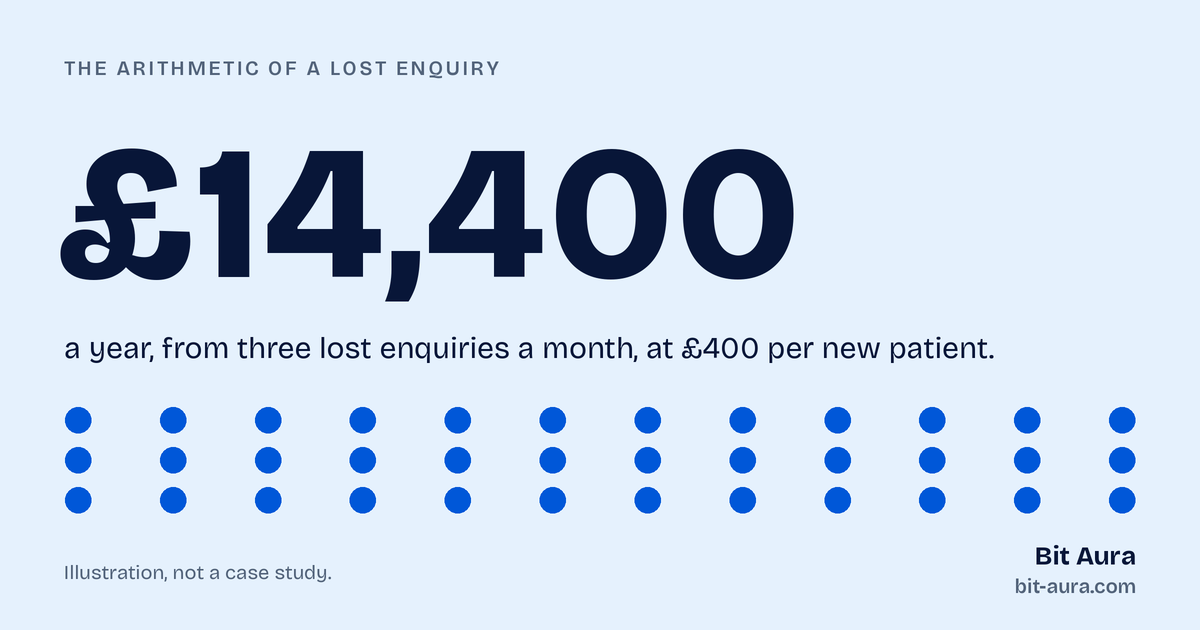
A lost enquiry leaves no cancelled booking and no complaint. The visitor simply never arrives.
The 30 second test
- Open your website on your own phone, on mobile data.
- Tap your Book Now button.
- Ask yourself: can I pick a real date and time, and see a confirmation?
If you cannot see a date, you have a contact form wearing a booking button's clothes.
A contact form is not always wrong
A consultation request form is a reasonable choice for treatments that need a conversation first, such as implants or orthodontics. The problem is the label. A button that says Book Now sets an expectation of choosing a time. A button that says Request a consultation sets the right one.
Pick one of two honest options:
- Real online booking with live availability and a confirmation message, for routine appointments.
- A clearly labelled enquiry form that says what happens next and when the patient will hear back.
What a good booking path includes
- Visible times or a clear promise of when the practice will reply
- A short form, with only the fields you need
- A confirmation on screen and by email
- A phone number that can be tapped on mobile, for urgent cases
- The form tested on a phone, not only on a desktop
Frequently asked questions
Should a dental practice website have online booking?
For routine appointments, patients generally expect to see times and book without calling. For complex treatments, a consultation request is often better. What matters is that the button label matches what happens next.
How do I test my own booking path?
Use your phone on mobile data, tap the main button and try to complete a booking as a new patient. Then try the same from a different browser.
Can Bit Aura check my booking path?
Yes. Send us your website address on the contact page and we will walk through the booking path as a patient would, and tell you what we find.
Related services
Want us to check your booking path?
Tell us what you are planning and we will point you to the right next step. No pressure.